
This article covers how to change the PHP handler on a Linux VPS or dedicated server running cPanel/WHM. The instructions below require root-level access to the WHM admin panel.
The PHP handler is the software that Apache uses to implement PHP. The different choices can have effects on the performance, and security, of your server. For more information about the specific differences and capabilities of suphp, dso, and cgi, please see cPanel’s official documentation: https://documentation.cpanel.net/display/ALD/More+about+PHP+Handlers
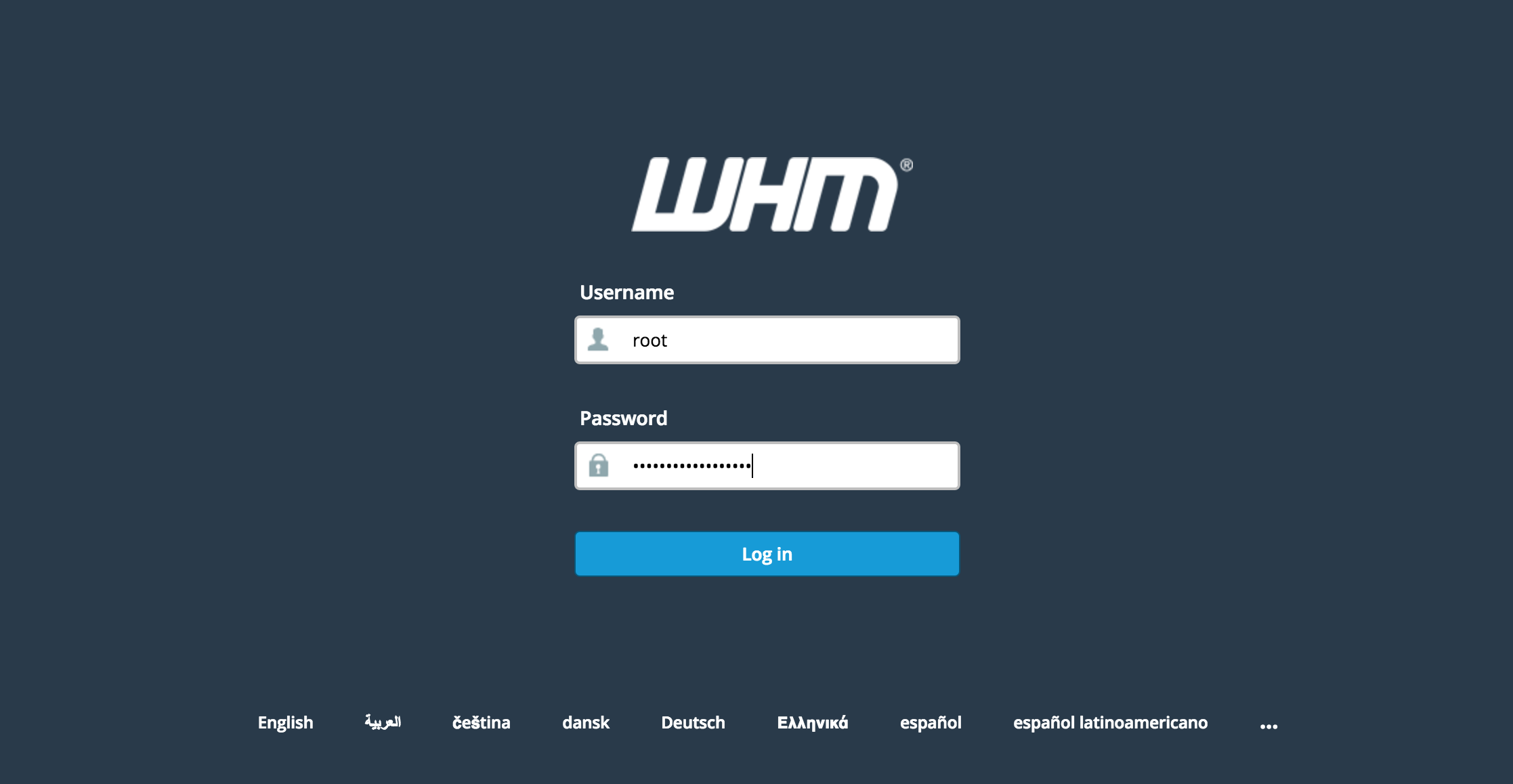
1. Log in to WHM as the root user.
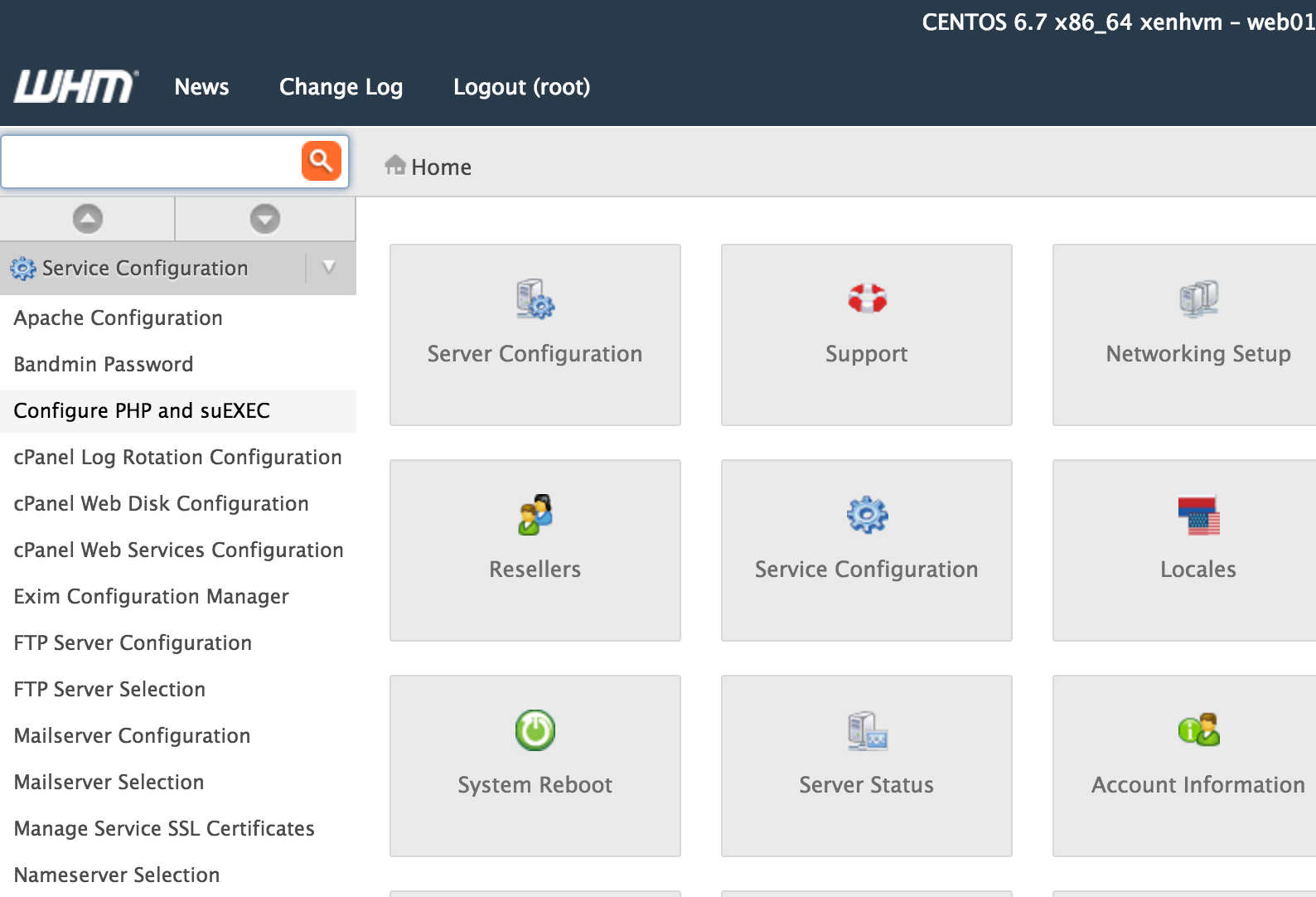
2. Navigate to Service Configuration > Configure PHP and suEXEC in the left menu.
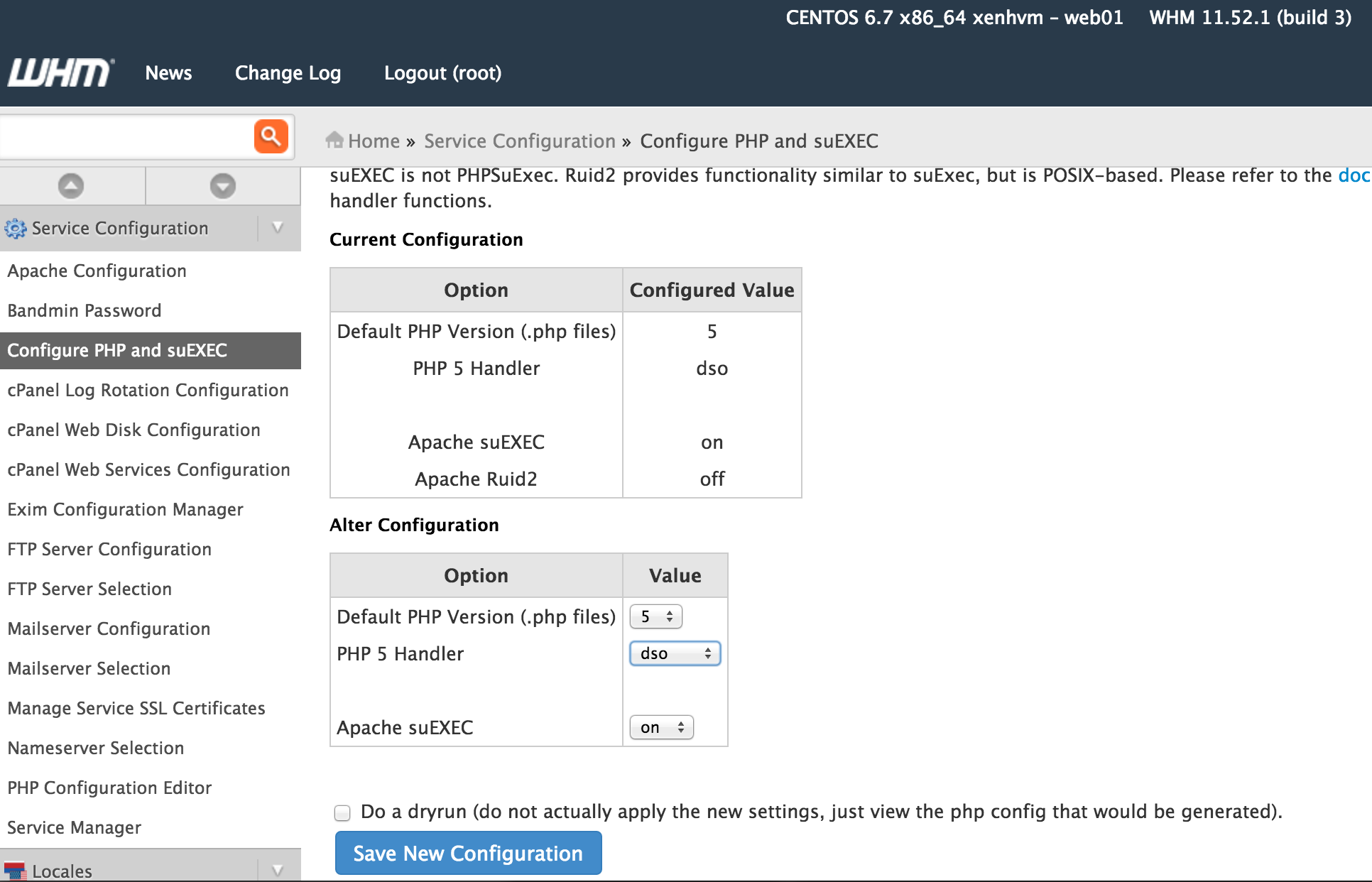
3. Scroll down to Alter Configuration and choose your preferred PHP handler: suPHP, DSO, or CGI. Click Save New Configuration to commit the change.
This article applies to CentOS Linux servers running WHM/cPanel.
Lightning-fast VPS hosting with enterprise SSD storage, global data centers, and 99.99% uptime. Built for developers, trusted by enterprises.
support@solvps.com
1-888-256-8213