
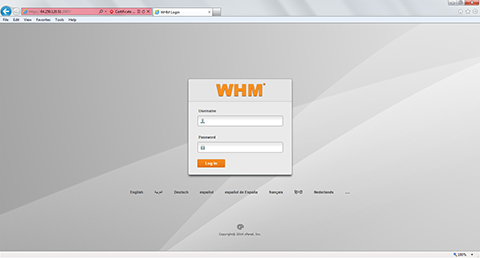
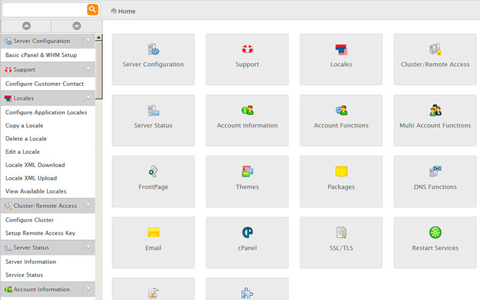
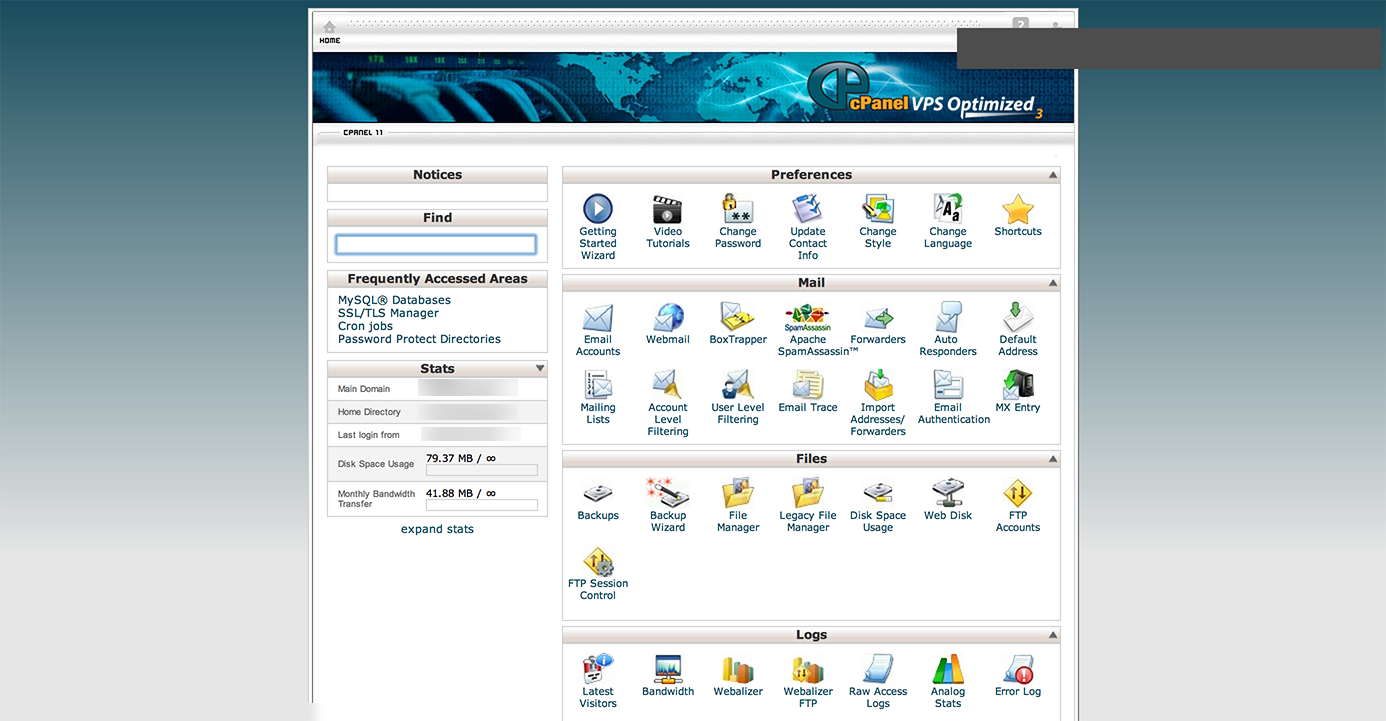
cPanel VPS Optimized is a highly functional Linux server control panel. It is commonly used to host websites, provision reseller and web hosting accounts, and perform hosting-related maintenance.
It’s very easy to install cPanel on a VPS with SSH. You can accomplish it with a few steps:
yum install -y perl;cd /home;wget -N http://httpupdate.cpanel.net/latest;sh latest;/usr/local/cpanel/cpkeyclt
The last part of the command will automatically check for and verify the server’s cPanel license. If you do not have a license, you can still install WHM/cPanel, but the licensing command will fail and cPanel will continue in trial mode until verified. (Should you need help getting a license, just ask us!)
This article applies to:
Lightning-fast VPS hosting with enterprise SSD storage, global data centers, and 99.99% uptime. Built for developers, trusted by enterprises.
support@solvps.com
1-888-256-8213