
The Event Viewer in Windows Server is useful for viewing server access logs, who logged in to the server via RDP, when the last shutdown occurred, and other logged system actions.
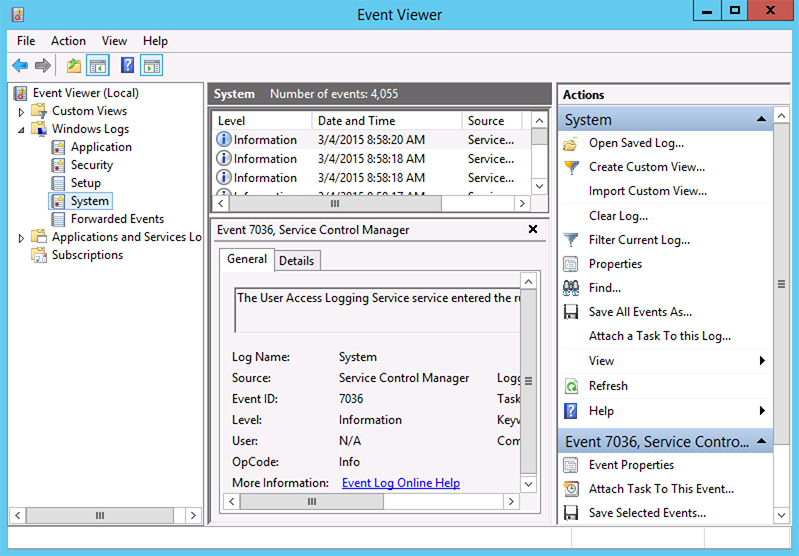
To open the Event Viewer (Log Viewer), navigate to:
Start > Control Panel > System & Security > Administrative Tools > Event Viewer
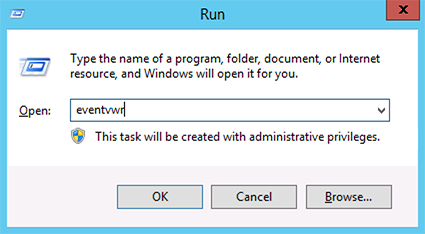
Alternatively, open Command Prompt and type eventvwr to launch Event Viewer via command line.
This article applies to…
Lightning-fast VPS hosting with enterprise SSD storage, global data centers, and 99.99% uptime. Built for developers, trusted by enterprises.
support@solvps.com
1-888-256-8213