
When setting up a new VPS, one of the most common tasks is to link a domain name. The process is roughly the same as with a shared hosting account, although a VPS may or may not come with ready-made nameservers available.
Often, you will need to configure your own nameservers on a VPS. To avoid this and get started as quickly as possible, we will use an easy method to point a domain to a VPS (or other server).
Requirements:
Here are the instructions:
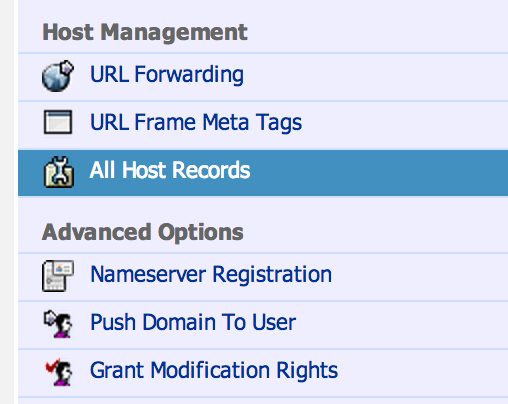

Save the new settings, and exit. That’s it!
The crucial step is pointing “@”, which stands for your root domain ‘domain.com’, to the IP address of your VPS. The registrar’s nameservers will now host this record, and all traffic to your domain will be automatically routed to the server IP address.
Note that if your registrar’s format does not allow “@”, you can usually leave the ‘subdomain’ field empty, because you are entering a record for the root domain.
Lightning-fast VPS hosting with enterprise SSD storage, global data centers, and 99.99% uptime. Built for developers, trusted by enterprises.
support@solvps.com
1-888-256-8213