
Visual Studio is a free, fully featured, and extensible solution for individual developers to create applications for Android, iOS, Windows, and the web. Installing Visual Studio on a server or VPS has many advantages, like keeping your work separated and available 24/7, as well as the performance advantages that come along with cloud hosting: ultra-fast download/upload, local storage, and system I/O.
A Windows VPS or remote desktop makes an ideal development environment. Learn more about our Windows VPS hosting here.
First, log in to your Windows Server or Windows VPS. Open a web browser and go to the Microsoft download page for Visual Studio: https://www.visualstudio.com/downloads/
Download the installer to the server or VPS. Open the installer, and you should see the Visual Studio start screen:
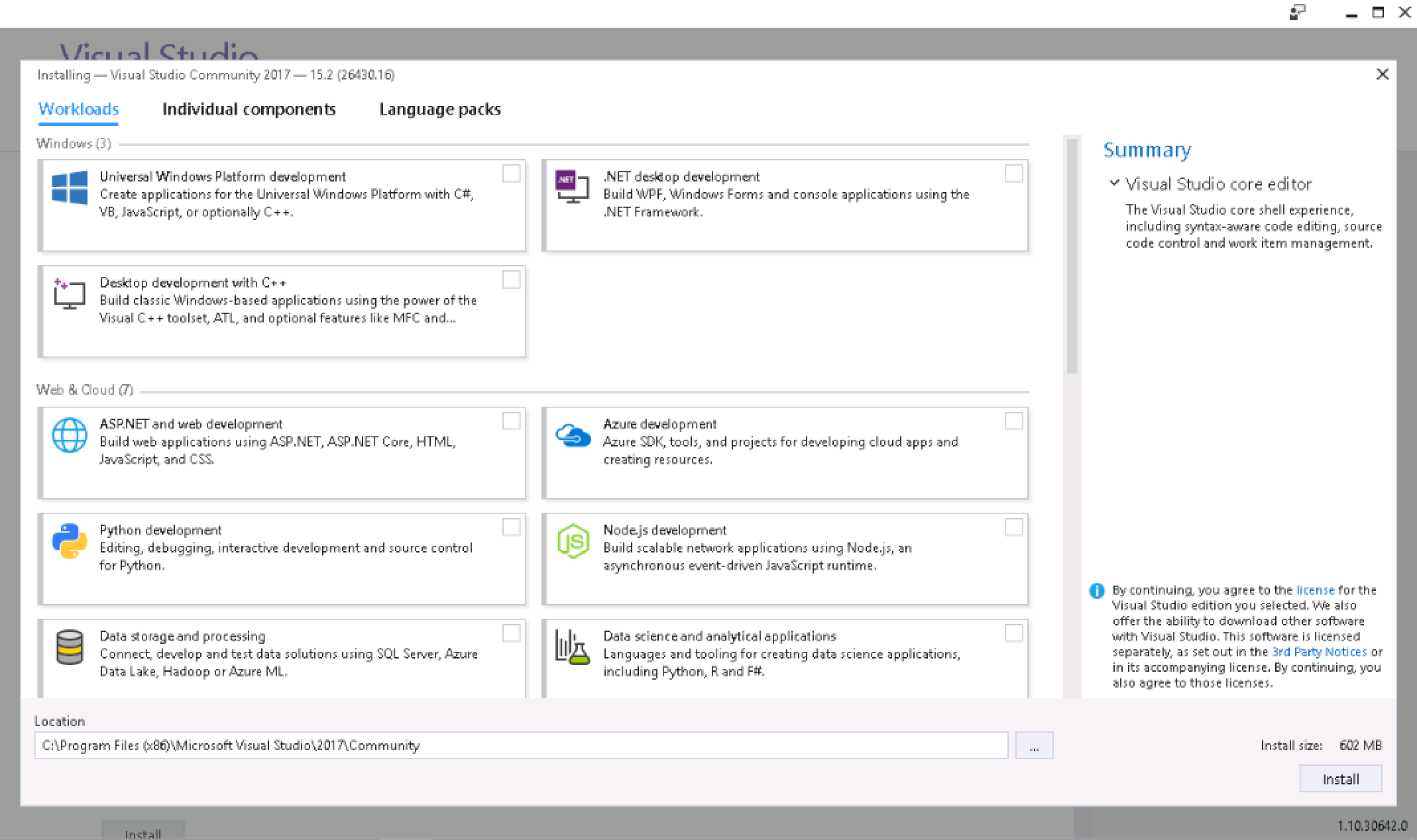
Select the development packages that you want to install, as required by your project.
The selected packages will download and install automatically. Once completed, you can launch Visual Studio.

You can also find free downloads of available tools for Visual Studio, including:
Visit the download page: https://www.visualstudio.com/downloads/
This article applies to:
Lightning-fast VPS hosting with enterprise SSD storage, global data centers, and 99.99% uptime. Built for developers, trusted by enterprises.
support@solvps.com
1-888-256-8213