
We released two major updates today, in addition to a number of small enhancements. The focus of these upgrades was to improve the quality and efficiency of features in the Secure Client Panel.
Upgrades are now fully automatic. New upgrade and downgrade orders are processed instantly after the order is submitted. Just reboot to apply the changes in RAM, SSD storage, or CPU configuration. (Note that you must use the Reboot button in the control panel to reboot the VM, rather than issuing a restart from inside the VM.)
To upgrade or downgrade a VPS instance:
That’s it! We hope that on-demand upgrading will be a benefit to management of your services.
We have exciting news: the Java-VNC console is dead! The Secure Client Panel now features seamless, 100% HTML5 Web RDP. The Web RDP viewer allows you to view and interact with your Windows server’s remote desktop in a secure SSL-encrypted browser window.
The new Web RDP viewer is compatible with almost all browsers on all devices, with no need for extra plugins or configuration. Here’s a preview of the Web RDP viewer in action:
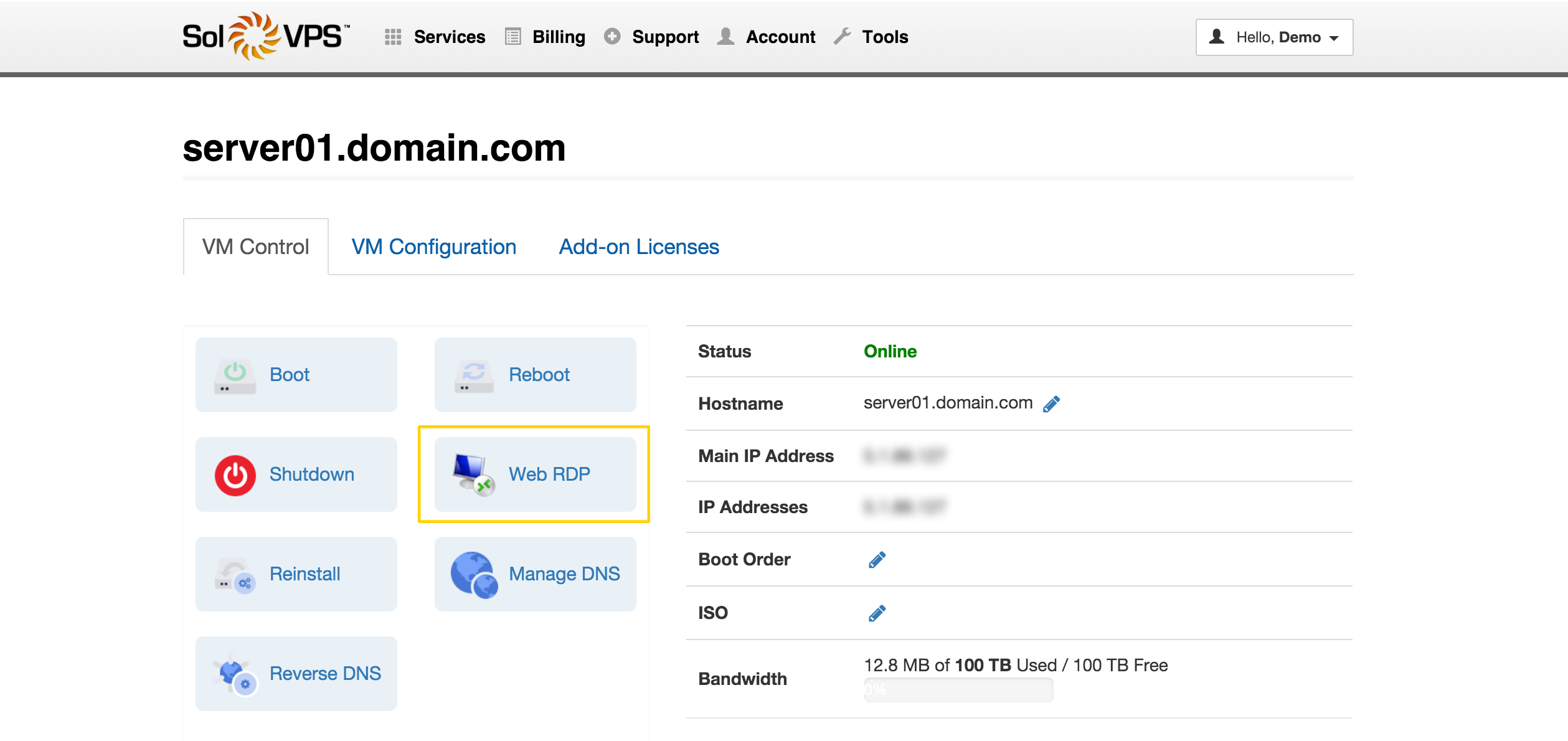
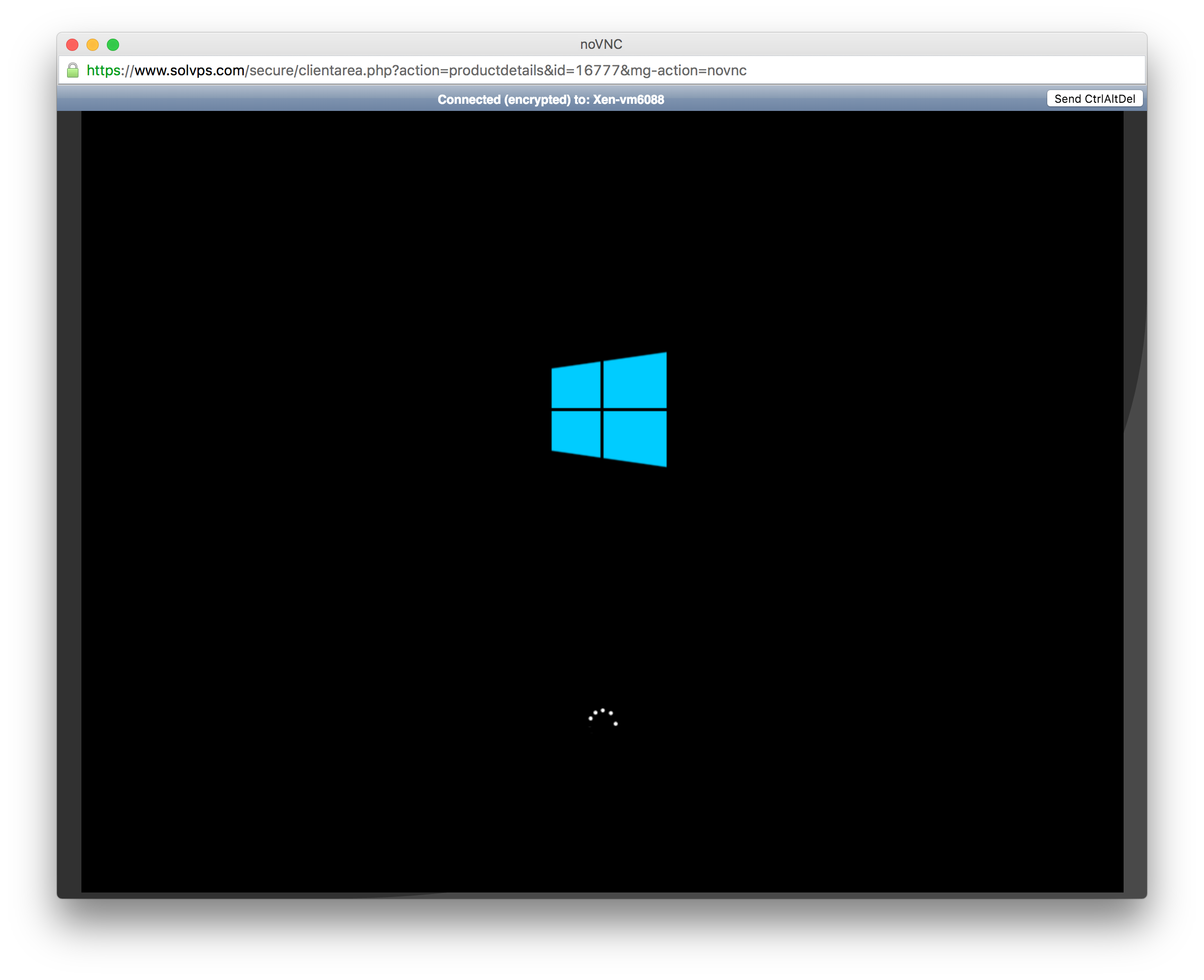
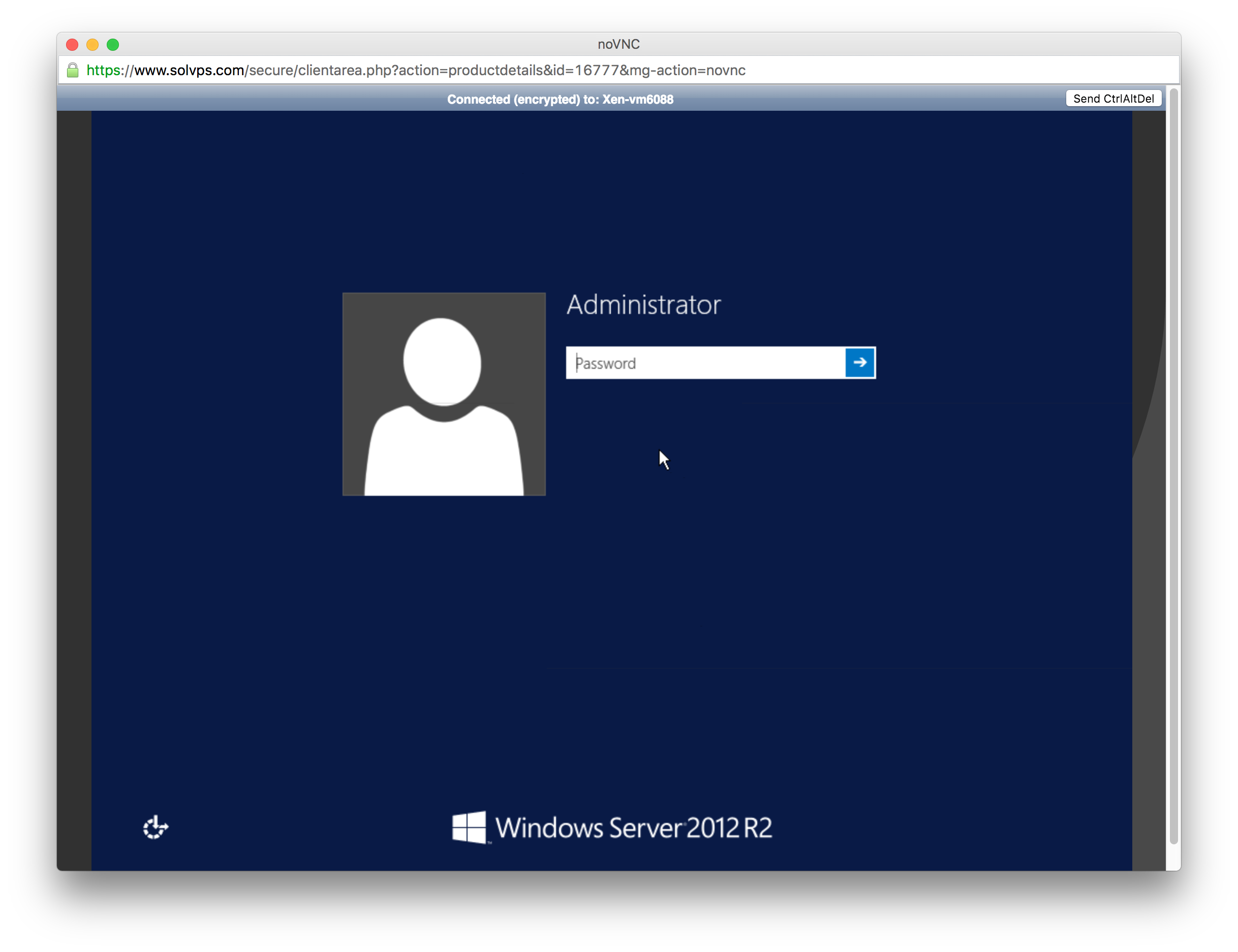
In addition, we have implemented some small changes to the panel UI to improve efficiency.
A good start to 2016, and we have more new features upcoming. Thanks for reading!
Lightning-fast VPS hosting with enterprise SSD storage, global data centers, and 99.99% uptime. Built for developers, trusted by enterprises.
support@solvps.com
1-888-256-8213